Make your
wedding
precious
Create stunning digital invitations in seconds. Pick a template, customize it, share a link. Completely free. No app needed.
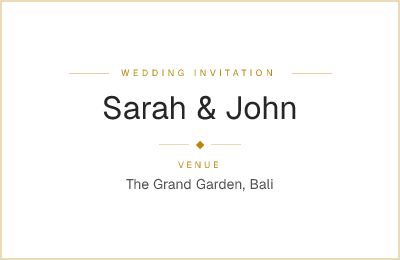
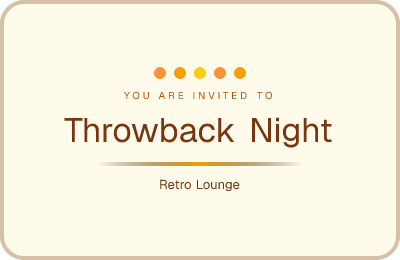
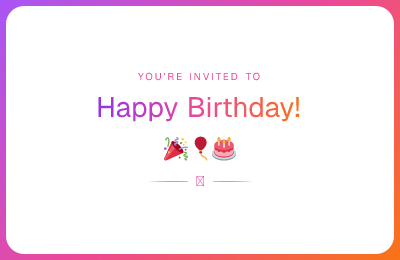
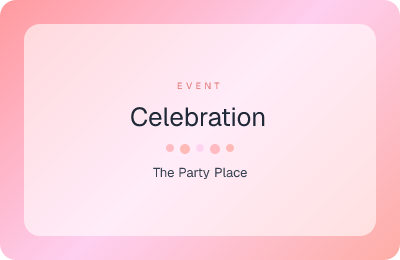
Designs for every occasion
Handcrafted templates that make your event feel special.

Everything you need, nothing you don't
Simple tools that make hosting effortless.
Beautiful templates
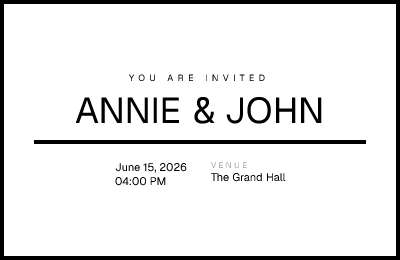
Handcrafted designs for weddings, birthdays, parties, baby showers, graduations, corporate events, and more.
Live editing
Edit directly on the template. Click any text, change it, and see the result instantly. What you see is what your guests get.
Built-in RSVP
Guests respond in seconds with a friendly step-by-step flow. Track attendance, guest count, and messages in real-time.
Guest list
Pre-add your guests and send personalized links. See who responded and who hasn't — all connected to their RSVP.
Share anywhere
Send invitation links via WhatsApp, email, QR code, or any messenger. Each guest gets their own personalized link.
Map & directions
Search and pin your venue on a map. Guests tap the location to open directions in their favorite maps app.
Three steps. That's it.

Pick a template
Browse designs made for your type of event.

Make it yours
Click any text to edit. Set the date, location, details.

Share the link
Send it via WhatsApp, email, or QR code. Done.
Ready to make it precious?
Create your first invitation in under a minute.
Free forever. No credit card needed.
Get started for freeFrequently asked questions
Is Preciousfy really free?+
Yes! Creating invitations, sharing links, tracking RSVPs, and managing your guest list are all completely free. No credit card required, no hidden fees.
Do my guests need to create an account?+
No. Guests just open the link and RSVP — no sign-up, no app download, zero friction.
Can I edit my invitation after sharing it?+
Absolutely. You can update the title, date, location, and description anytime. Guests will always see the latest version.
How do guests get directions to the venue?+
When you pick a location on the map, guests can tap it to open directions in Google Maps, Apple Maps, or their preferred navigation app.
Can I see who has responded?+
Yes. Your dashboard shows all RSVPs in real-time — who's attending, who's maybe, who declined, and any messages they left.
What event types are supported?+
Weddings, birthdays, parties, baby showers, graduations, corporate events, and a general category for anything else. Each has multiple template designs.